AI Is a Drafting Tool, Not a Finishing Tool
August 5, 2026 · 7 min read
Most advice about using AI at work is either breathless or dismissive, and neither helps if you have a full calendar and no appetite for a hobby.
Here is the version that holds up in practice.
The single most reliable benefit is not that AI does your work. It is that reacting to something is dramatically easier than producing it. Staring at a blank page costs real energy, and that cost is why the report sits undone for three days. Put a mediocre draft in front of the same person and they will fix it in fifteen minutes, because criticising is cheap and creating is expensive. The difference shows up in small, repeated moments: an email you keep postponing because you cannot decide where to start, or a project update that feels too open-ended to begin. Once the first version exists, even a flawed one, the remaining work becomes a series of concrete edits rather than an open-ended invention task.
That is the whole mechanism. It sounds modest. It is worth more hours per week than any of the ambitious use cases.
Where It Genuinely Helps
First drafts of anything structured. Emails, report outlines, project proposals, meeting summaries, job descriptions. Describe the situation in thirty seconds and get something 80% of the way there. You edit and send. The time saved on any individual instance is small; the number of instances per week is not. A typical week might include four or five routine emails that would otherwise linger, a one-page status note for a steering committee, and a short proposal for an internal budget adjustment. Each one moves from blank screen to workable version in under a minute of prompting.
Summarising and synthesising. Long documents, transcripts, threads, a stack of reports that all say slightly different things. This is genuinely good and it is the use case most people underuse, because it does not feel like it should count as work. The tool can pull the main claims from a 40-page vendor deck, flag the three points that contradict earlier guidance, and surface the open questions in a format ready for your own review. The value appears when you need to absorb material you would otherwise skim or skip entirely.
Restructuring. You have written something and it is disorganised. Reordering, tightening, and reformatting your own material is low-risk — the substance is already yours — and it is exactly what the tool is good at. You paste in the scattered notes from a meeting and ask it to group the action items by owner and deadline; the logic of the grouping is yours, but the mechanical sorting happens faster than doing it by hand.
Thinking out loud. Working through a decision by explaining it to something that asks reasonable follow-up questions. The value here is not the answers. It is that articulating a problem clearly enough to be understood is most of solving it. You walk through the trade-offs of two vendor options, and the act of stating the constraints out loud often reveals which constraint actually matters most.
Learning something adjacent. Getting oriented in an unfamiliar area quickly enough to ask a specialist the right question. Not to replace the specialist — to stop wasting their time on your first ten questions. You need to understand the basics of a new compliance framework before a call with legal, so you spend five minutes confirming the core definitions and the main differences from the old rules. The conversation then starts at a higher level.
Where It Falls Down
This list matters more than the first one, because the failures are what make people give up.
It is confidently wrong. The output sounds authoritative regardless of whether it is correct. This is not a temporary defect awaiting a patch; it is a property of how the systems work. Specific statistics, dates, quotes, citations, and regulatory details are the highest-risk categories — those get fabricated with complete fluency. If a number matters, look it up yourself. Always. A generated paragraph might state that a regulation took effect in Q3 2022 when the actual date was 2023, and nothing in the tone will flag the discrepancy.
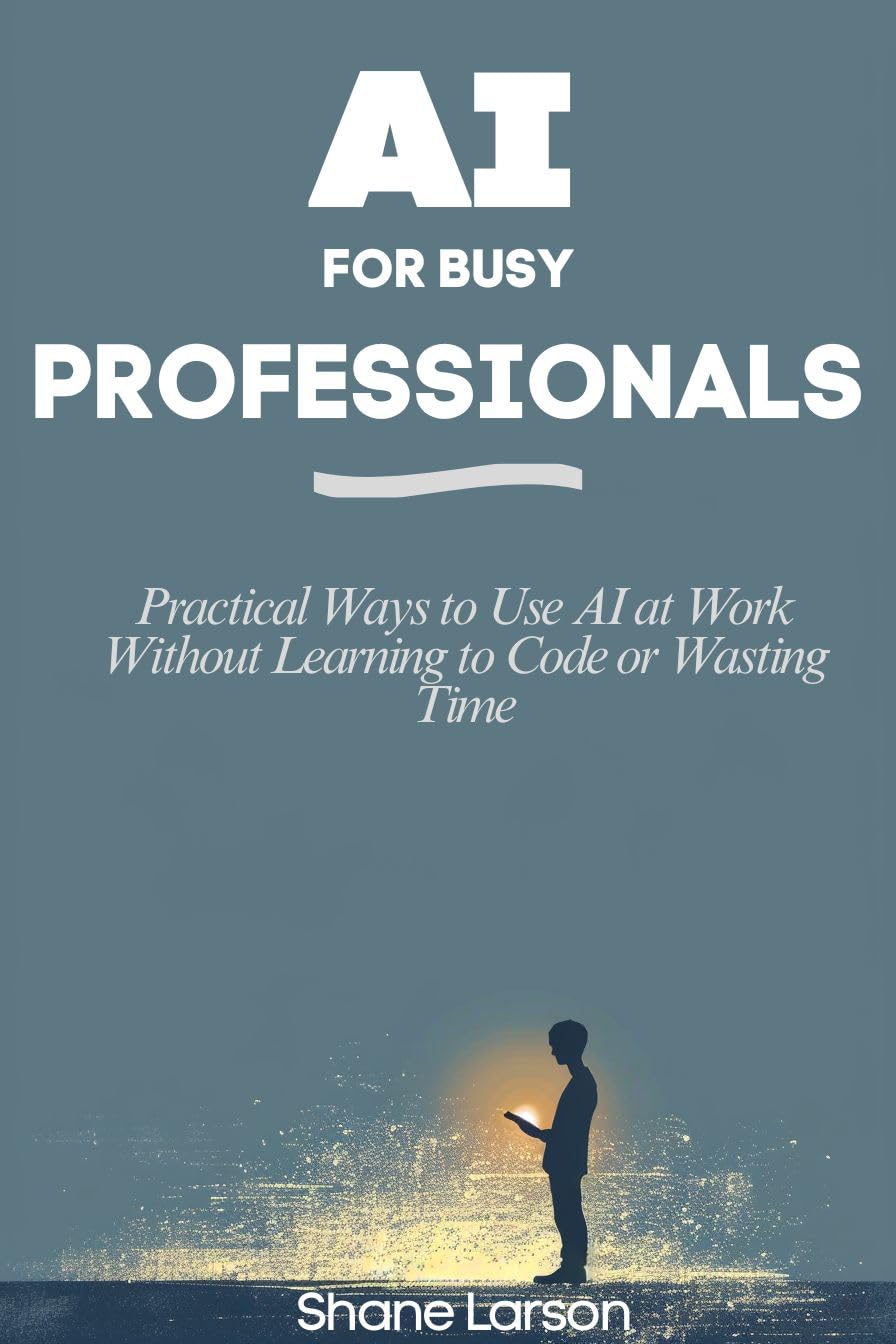
AI for Busy Professionals
It does not know your situation. It has no idea about your company's culture, your history with this client, the reason that project is politically radioactive, or the fact that you and the recipient have been on first-name terms for six years. Output can be technically correct and situationally wrong — the classic case is a perfectly professional email in a register you would never use, which reads as strange precisely because nothing about it is incorrect. The same gap appears in internal documents where the tool cannot know which stakeholder needs to be looped in informally before the formal draft circulates.
Its information is not current. It does not know last week's news, your company's announcement, or the rule change that took effect in March. For anything time-sensitive, assume it is working from an out-of-date picture. A summary of market conditions will miss the competitor move announced two days ago or the internal policy update that has not yet been posted publicly.
It is shallow outside the mainstream. Broad general knowledge, thinner in specialised areas. It will discuss your niche fluently and be subtly wrong in ways only a practitioner would catch — which is a particularly dangerous failure mode, because the fluency is indistinguishable from competence to a non-expert. In a technical field the error might be a misstated causal relationship or an outdated assumption about tooling that still sounds current.
It writes generically. Fine for a status update. A problem for anything where your voice is the point: leadership communication, anything published under your name, anything where personality is what makes it land. It can draft; the voice has to be yours. The generated version often defaults to safe, middle-register phrasing that strips away the specific tone you use with your team.
It cannot make your decisions. It can lay out options and implications, which is useful. It cannot weigh your risk tolerance, your values, or your obligations to people you are accountable to. Keep the judgment where it belongs. The tool can list the pros and cons of delaying a product launch, but it cannot decide whether the reputational cost to the team outweighs the revenue risk.
The Practical Rule
Combine both lists and a decision rule falls out.
Use it where the cost of being wrong is low and the cost of starting is high. Drafts, outlines, restructuring, summaries, exploration. Verify anything factual. Rewrite anything that has to sound like you. The pattern is consistent: the tool reduces the activation energy for the first pass, and you supply the verification and the final judgment.
Do not use it where the cost of being wrong is high and you cannot check the answer. If you are not in a position to evaluate the output, you are not in a position to use it — because the failure mode is not obvious errors, it is plausible ones. When the domain is outside your expertise and the stakes involve compliance, client commitments, or public statements, the absence of reliable error detection becomes the deciding factor.
That second rule is the one that separates people who get value from this from people who get burned. The tool does not signal its own uncertainty in a way you can rely on. Your judgment is the error-detection layer, and if you do not have judgment in the domain, there is no error detection at all.
The Time Question
The honest accounting is that this saves less time on any single task than the marketing suggests, and more time in aggregate than sceptics expect.
Twenty minutes on the email becomes five. The report outline that would have been put off until Thursday gets done Monday. The forty-page document you were never going to read properly gets read. None of those are dramatic. Together they are a meaningful fraction of a week. The cumulative effect appears in the number of small tasks that no longer occupy mental space on your calendar.
What it does not do is give you back your afternoons by taking over your job. If someone is promising that, they are selling something, and the specific thing being oversold is always the same: they are describing the drafting benefit and implying it is a finishing benefit.
Draft with it. Finish yourself. That is the whole method, and it works for almost everyone.
AI for Busy Professionals: Practical Ways to Use AI at Work Without Learning to Code or Wasting Time covers the tools that matter, using AI as a thinking partner, writing faster, planning and prioritising, research on demand, building it into your workflow, and working with it responsibly.
AI for Busy Professionals
New posts and releases, straight to your inbox. No spam, unsubscribe anytime.