Blog Post
April 6, 2026
Meta Description: Learn how to build a working AI agent with xAI's Grok API in just 50 lines of JavaScript. Step-by-step tutorial with tool calling, the ReAct loop, and working code you can run today.
Keywords: Grok AI agent, xAI API tutorial, JavaScript AI agent, Grok function calling, build AI agent Node.js, Grok API example, xAI developer guide
URL Slug: building-first-ai-agent-grok-javascript
Most AI agent tutorials are long on theory and short on code. You'll read about reasoning loops and tool orchestration and emergent behavior, and at the end you'll have... a flowchart.
Here's a different approach. We're going to build a working AI agent with xAI's Grok API in about 50 lines of JavaScript. It will reason about problems, call tools, observe results, and decide what to do next. A real agent — not a chatbot with a fancy prompt.
What We're Building
A simple research agent that can:
- Decide what information it needs
- Call a tool to get that information
- Look at the results
- Decide if it has enough to answer, or if it needs to do more
- Return a final answer
This is the ReAct pattern — Reason, Act, Observe, Repeat — and it's the foundation of most useful AI agent architectures.
Prerequisites
You'll need:
- Node.js 18+
- An xAI API key (get one at console.x.ai)
- The OpenAI Node.js SDK (xAI's API is compatible)
npm install openai
Yes, you read that right. xAI's API uses the same protocol as OpenAI's, so you use the OpenAI SDK pointed at xAI's endpoint. One line of configuration is all that changes.
The Code
Here's the complete agent:
import OpenAI from "openai";

const client = new OpenAI({
  apiKey: process.env.XAI_API_KEY,
  baseURL: "https://api.x.ai/v1",
});

const tools = [
  {
    type: "function",
    function: {
      name: "calculate",
      description: "Evaluate a mathematical expression",
      parameters: {
        type: "object",
        properties: {
          expression: { type: "string", description: "Math expression to evaluate" },
        },
        required: ["expression"],
      },
    },
  },
];

function executeTool(name, args) {
  if (name === "calculate") return String(eval(args.expression));
  return "Unknown tool";
}

async function runAgent(task) {
  const messages = [
    { role: "system", content: "You are a helpful agent. Use tools when needed. When you have the final answer, respond directly." },
    { role: "user", content: task },
  ];

  for (let i = 0; i < 10; i++) {
    const response = await client.chat.completions.create({
      model: "grok-4-fast",
      messages,
      tools,
    });

    const msg = response.choices[0].message;
    messages.push(msg);

    if (!msg.tool_calls) return msg.content;

    for (const call of msg.tool_calls) {
      const result = executeTool(call.function.name, JSON.parse(call.function.arguments));
      messages.push({ role: "tool", tool_call_id: call.id, content: result });
    }
  }
  return "Agent reached iteration limit.";
}

const answer = await runAgent("What is 47 * 89 + 123 / 3?");
console.log(answer);
That's it. About 50 lines, and you have a working AI agent.
How It Works
Let's break down what's happening, because every line matters.
1. The Client Setup
const client = new OpenAI({
  apiKey: process.env.XAI_API_KEY,
  baseURL: "https://api.x.ai/v1",
});
This is the entire difference between calling OpenAI and calling Grok. Same SDK, different baseURL. Your agent code is provider-portable from the start.
2. Tool Definitions
The tools array tells Grok what capabilities the agent has. Each tool has a name, description, and a JSON Schema defining its parameters. Grok reads these definitions and decides when to call them based on the conversation context.
This is function calling — the mechanism that turns a language model into an agent. Without tools, Grok can only generate text. With tools, it can take action.
3. Tool Execution
function executeTool(name, args) {
  if (name === "calculate") return String(eval(args.expression));
  return "Unknown tool";
}
When Grok decides to use a tool, it returns a tool_calls array instead of a text response. Each tool call has a name and arguments. Your code executes the tool and sends the result back.
This is where the agent pattern diverges from a simple chatbot. The model doesn't just respond — it acts, and you execute those actions.
4. The Agent Loop
for (let i = 0; i < 10; i++) {
  const response = await client.chat.completions.create({ ... });
  const msg = response.choices[0].message;
  messages.push(msg);

  if (!msg.tool_calls) return msg.content;

  for (const call of msg.tool_calls) {
    const result = executeTool(...);
    messages.push({ role: "tool", tool_call_id: call.id, content: result });
  }
}
This is the ReAct loop. Each iteration:
- Reason: Grok looks at the conversation history and decides what to do
- Act: It either calls a tool or returns a final answer
- Observe: Tool results are added to the conversation
- Repeat: The loop continues until Grok responds with text (no tool calls)
The for loop with a limit of 10 is your safety net. Without it, a confused agent could loop forever. In production, you'd also add cost tracking and timeout logic.
Making It Useful
A calculator agent is a demo. Let's talk about what makes this pattern powerful.
Add More Tools
The same loop handles any number of tools. Add an HTTP tool and your agent can fetch web pages. Add a database tool and it can query data. Add a file system tool and it can read and write files. Grok decides which tool to use based on the task.
const tools = [
  { type: "function", function: { name: "calculate", ... } },
  { type: "function", function: { name: "fetch_url", ... } },
  { type: "function", function: { name: "query_database", ... } },
  { type: "function", function: { name: "read_file", ... } },
];
The agent loop doesn't change. Grok figures out the right tool for the job.
Handle Multi-Step Problems
Because tool results feed back into the conversation, the agent naturally handles multi-step problems. Ask it to "find the average price of the top 5 products in the database" and it will:
- Query the database for the top 5 products
- Observe the results
- Call the calculator to compute the average
- Return the answer
You didn't program that sequence. Grok figured it out from the tool descriptions and the task.
Add Error Handling
Production agents need resilience. The basic pattern extends cleanly:
function executeTool(name, args) {
  try {
    if (name === "calculate") return String(eval(args.expression));
    if (name === "fetch_url") return fetchWithTimeout(args.url, 5000);
    return "Unknown tool";
  } catch (error) {
    return `Error: ${error.message}`;
  }
}
When a tool returns an error, Grok sees it as an observation and adapts. It might retry with different parameters, try a different tool, or explain to the user what went wrong. Error handling becomes part of the reasoning loop rather than a separate code path.
Why Grok?
You can build this same agent with GPT-4 or Claude. The code would be nearly identical (change the baseURL and model name). So why Grok?
Speed. Grok 4 Fast is genuinely fast for agent loops. When your agent makes 10-20 API calls per task, the latency on each call compounds. Faster inference means more responsive agents.
Cost. For sustained agent workloads with hundreds of tool calls per session, Grok's pricing is competitive. Token costs add up fast in agent architectures.
Built-in tools. Grok has native web search and X search capabilities. Instead of integrating a third-party search API, you can use Grok's built-in tools directly.
Portability. Because xAI uses the OpenAI protocol, your code runs on both platforms. That's real multi-provider support with zero abstraction layers.
What's Next
This 50-line agent is the starting point. A production agent system needs:
- Persistent memory so agents remember across sessions
- State machines for complex multi-step workflows
- Router patterns to dispatch tasks to specialist agents
- Observability to understand what your agents are actually doing
- Cost controls so a runaway agent doesn't drain your API budget
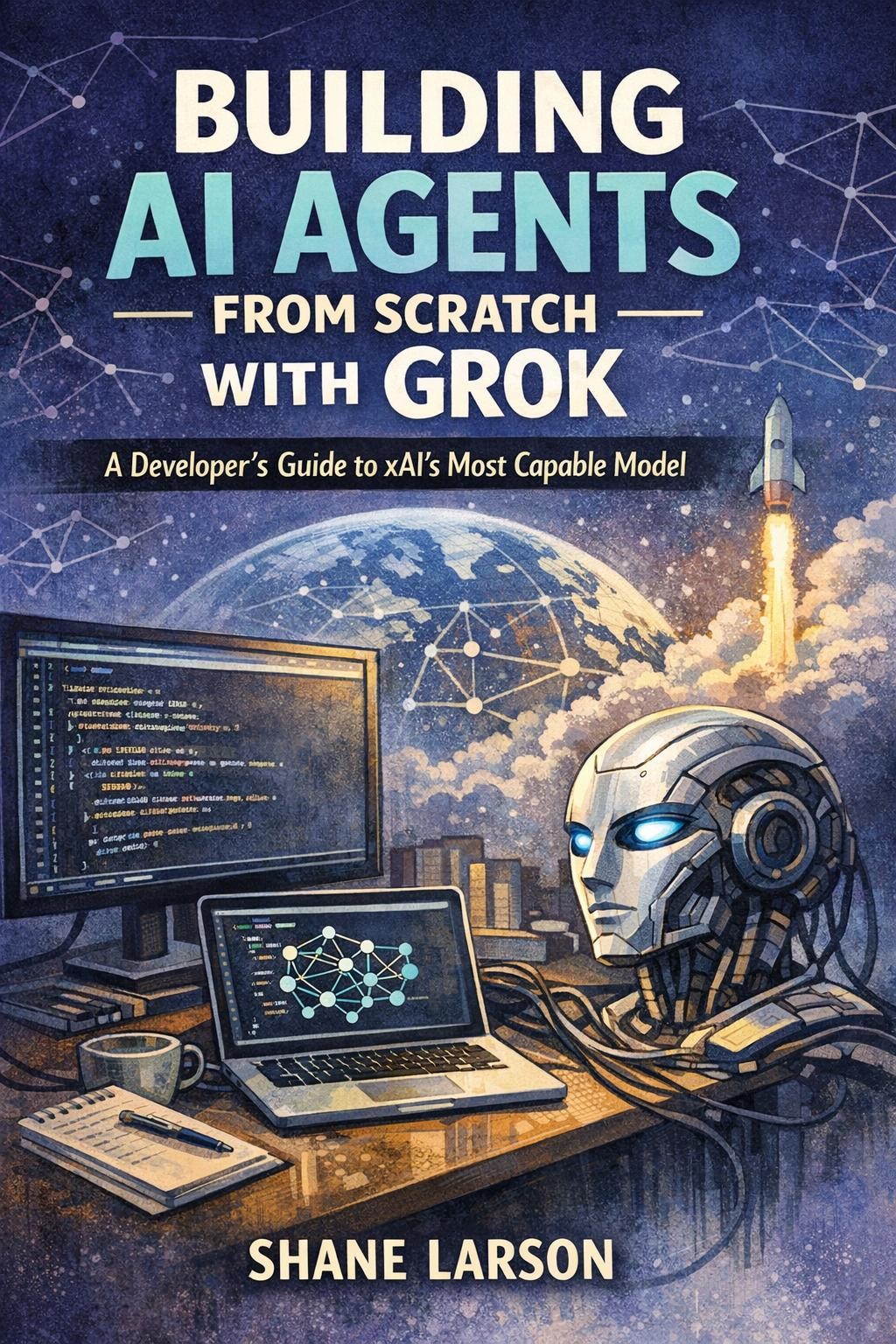
My book, Building AI Agents from Scratch with Grok, covers all of this across 14 chapters. Each chapter builds on the last, and each ends with a working project. By the end, you'll have a deployed multi-agent system with full observability.
If you prefer to start with the orchestration layer — how multiple agents coordinate — check out the companion book, Building a Multi-Agent Orchestrator in Node.js.
Both are available on Amazon Kindle.
The 50-line agent above took you five minutes to build. Imagine what you'll build with 14 chapters of patterns and production-tested code.
Shane Larson is a software engineer, solutions architect, and the author of several technical books on AI development and software architecture. Connect at shanelarson.com.