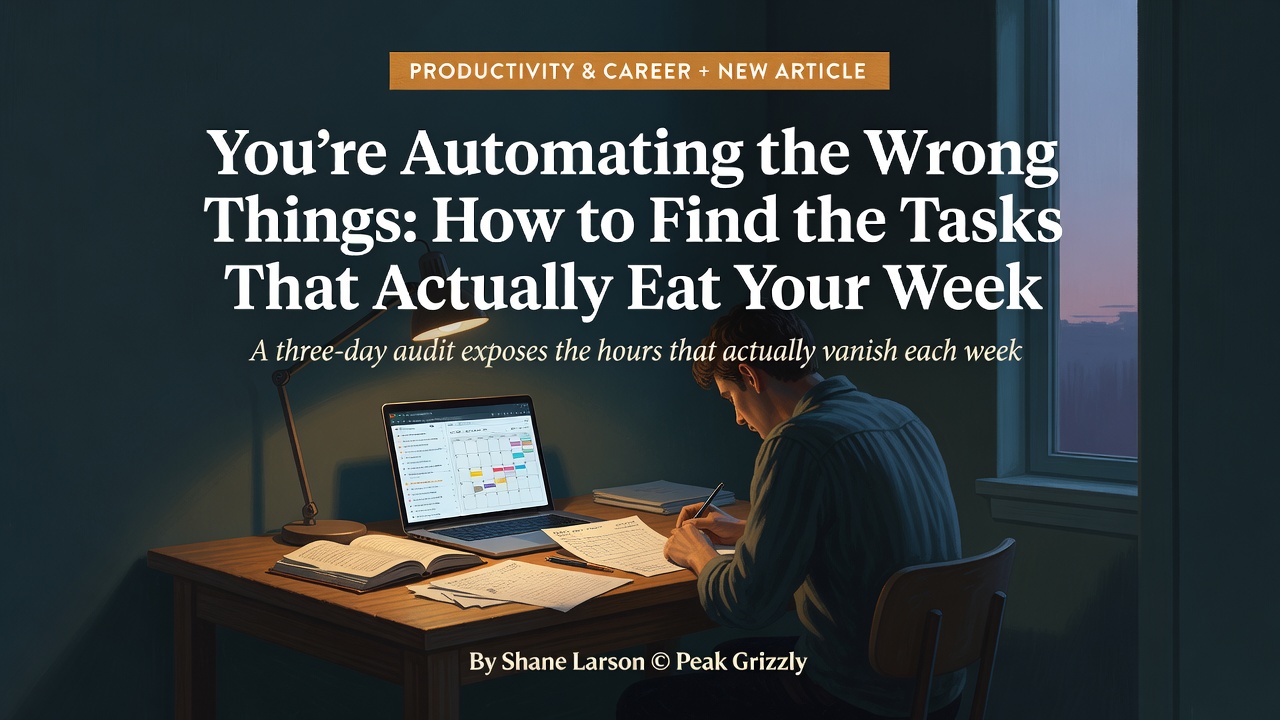
You're Automating the Wrong Things: How to Find the Tasks That Actually Eat Your Week
July 7, 2026 · 6 min read
Ask any knowledge worker what they would most like to automate, and they will give you the wrong answer.
A marketing manager named Marcus said he wanted to automate blog post writing. Reasonable answer — blog posts take time and AI is good at writing. But when he tracked his actual time for a week, blog posts consumed about three hours. Meanwhile, he was spending eight hours on email, four hours assembling weekly reports from data his team sent him, and three hours scheduling meetings.
The blog posts were the most visible time sink. The email, reporting, and scheduling were the biggest actual time sinks — and all three were far easier to automate.
This pattern repeats everywhere. We have a cognitive bias toward novel, visible tasks. Creating a presentation feels like "real work." Email triage feels like overhead. So when people think about what to automate, they think about the tasks they notice, not the tasks that consume the most time. They grab whatever shiny tool they saw in a LinkedIn post and try to force-fit it into their workflow. Someone sees a demo of AI-generated slides and spends a weekend setting it up — even though they only make presentations twice a month.
The result is underwhelming automation that saves thirty minutes a month, followed by the conclusion that "this automation stuff doesn't really work."
The fix is embarrassingly simple. Stop guessing. Start measuring.
The Three-Day Audit That Changes Everything
For three days, set a timer for thirty-minute intervals. Every time it goes off, write down what you were doing, how long it took, and which category it falls into: Repetitive, Semi-Repetitive, Creative, or Judgment-Requiring.
Repetitive tasks are things you do the same way every time. Email triage. Status updates. Data entry. Weekly report formatting. If you can describe the task as "when X happens, do Y," it is repetitive.
Semi-repetitive tasks follow a general pattern but require some customization each time. Meeting summaries. Customer inquiry responses. Project updates. The structure is the same, but the details change. These are excellent candidates for AI-generated first drafts that you review and refine — turning a thirty-minute task into a five-minute task.
Creative tasks require original thinking. Strategic planning. System design. Coaching a team member. These are not automation targets, though AI can serve as a brainstorming partner.
Judgment-requiring tasks need human empathy, ethics, or relationship management. Performance reviews. Client negotiations. Crisis management. These justify your salary and should not be delegated to AI.
Here is what you will discover: 50 to 70 percent of your workday falls into the repetitive or semi-repetitive categories. Most knowledge workers are stunned by this number. They assumed they spent most of their day on creative and judgment work. The audit reveals the truth — and the truth is that a massive chunk of their week is spent on work a machine could do.
Every hour you free up by automating repetitive tasks is an hour you can invest in judgment-requiring work. The automation audit is not just about saving time. It is about redirecting your time from work a machine could do to work that only you can do.
The Anatomy of a Perfect First Automation Target
Not all repetitive tasks are equally good automation candidates. The best first targets share five characteristics, and scoring your tasks against them prevents the most common failure mode: automating something ambitious, getting mediocre results, and giving up on the whole program.
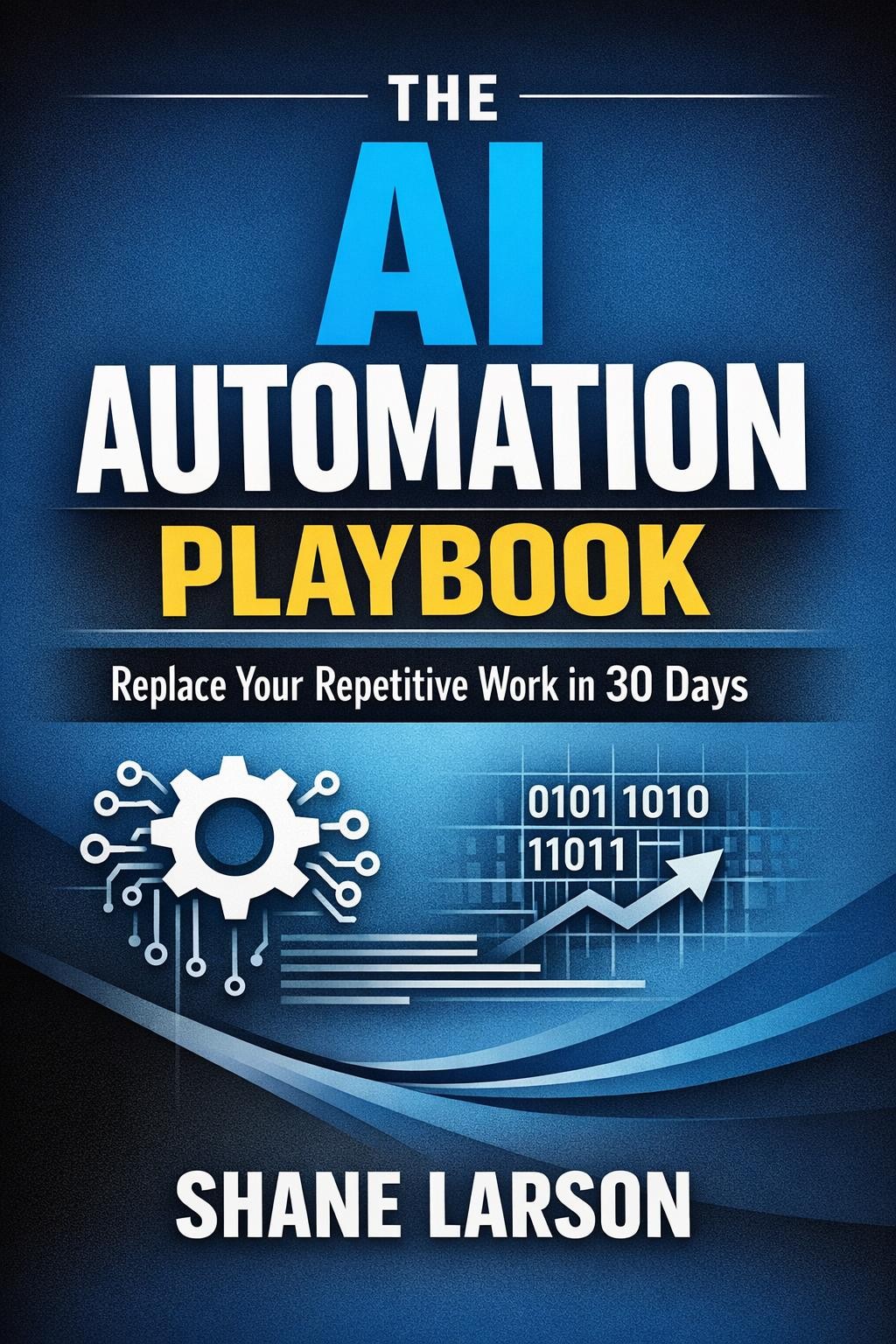
The AI Automation Playbook
High frequency. A task you do once a quarter is not worth automating even if it takes two hours. A fifteen-minute daily task is absolutely worth it — that is over sixty hours a year. Frequency is the multiplier that turns small savings into large ones.
Rule-based behavior. If you can describe what you do as a series of if-then-else decisions, it is rule-based. "If the email is from a vendor, check if it mentions a deadline, and if so, add it to the project tracker." If every instance requires you to "just know" the right answer from experience, it is judgment-based and not a good first target.
Tolerance for imperfection. This is the one most people miss. Some tasks require 100% accuracy — financial reconciliation, legal document review. These are terrible first automation targets because any error creates a problem bigger than the time saved. Start with tasks where "pretty good" is good enough. An AI-drafted email that captures 90% of what you would write and needs a quick review is perfect.
Clear inputs and outputs. An email comes in, a sorted/flagged/drafted response goes out. A spreadsheet of raw data comes in, a formatted report comes out. If you struggle to define what goes in and what should come out, the task involves more judgment than it appears.
Low switching cost. If the automation breaks, you can go back to manual for a day without crisis. For your first automations, run old and new processes in parallel for a week before committing.
Score email triage against these criteria and it hits 24 out of 25. Score financial reconciliation and it hits 16 — automate it later, not first. Score quarterly strategy development and it hits 9 — not an automation target at all.
The "Good Enough" Principle That Separates Success from Abandonment
Here is a truth that productivity perfectionists do not want to hear: 80% automation is infinitely better than 0% automation. And trying to reach 100% is usually what kills the project.
A perfect email automation would read every message, understand context perfectly, categorize correctly every time, and draft a flawless response that sounds exactly like you wrote it. That level of perfection would take weeks of training and customization.
An 80% automation correctly sorts most emails, drafts reasonable responses to routine ones, and flags unusual ones for your attention. You still review and handle flagged items manually. But this 80% solution saves you 60-70% of your email time, and you can build it in a single afternoon.
The math: if email consumes ten hours a week, an 80% automation saves seven hours. Waiting another month for a 95% solution saves 8.5 hours — but you have already lost 28 hours waiting for perfection.
Good enough, deployed today, beats perfect, deployed never. That is the single most important mindset shift in any automation program.
The average professional spends 28% of their workday on email alone — over eleven hours a week. Start there. Build three automations: an AI-powered triage system that sorts and prioritizes your inbox, a template engine that drafts responses to routine messages, and a daily digest that summarizes what matters so you do not have to read everything. Together, they transform email from a constant, attention-fragmenting interruption into a twice-daily, fifteen-minute process.
That is not a productivity hack. That is seven hours of your week back. And it is just the first three days of a thirty-day program.
The AI Automation Playbook is available now on Amazon Kindle. [Link placeholder]
The AI Automation Playbook
New posts and releases, straight to your inbox. No spam, unsubscribe anytime.